
What’s New in the Activation ConsoleHub
Table of Contents

What’s New in the Activation ConsoleHub
Learn about the new features in the Activation Console.
| Feature | Description |
|---|---|
| New Activation Console UI September
2022 |
A new Activation Console UI is now available for apps
with tenant service group (TSG)
support. This new UI enables you to more easily manage Common Services, such as
license activation, subscription management, tenant management, and
identity and access management.
In the new UI, apps and services are organized by tenant instead of
by support account. After an app gains TSG support, instances of the
app will begin to disappear from the support account view. You can
find these app instances by toggling off View by Support
Account. After an app instance has migrated, use
Common Services for
license activation, subscription management, tenant management, and
identity and access management.
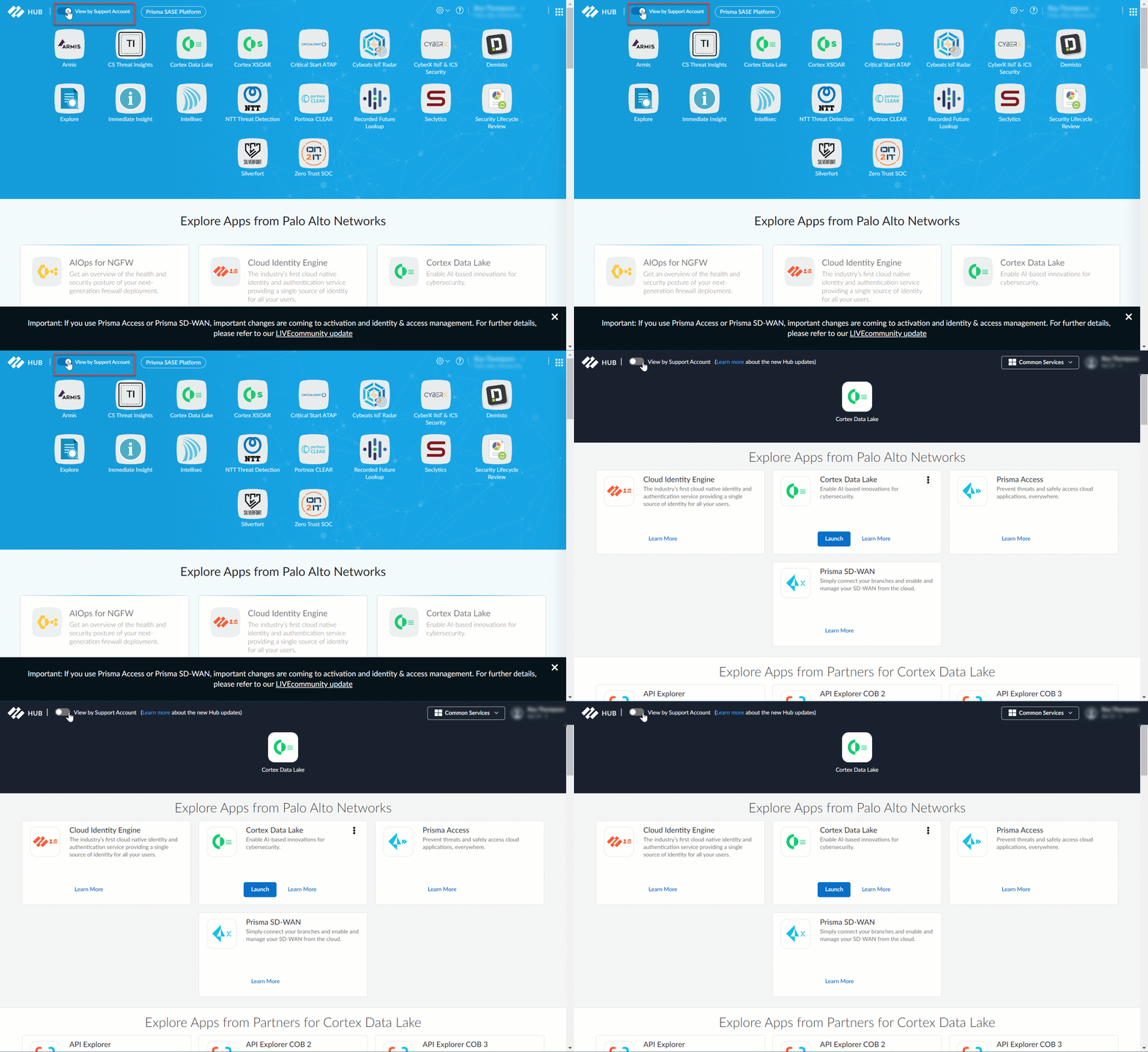
Apps that do not have TSG support will not appear on the new UI. To
access them, toggle on View by Support
Account.
|
| Bulk Role Assignment June 2020 | To help you more quickly and easily manage access privileges,
the Activation Console now features a Select
All button and enables you to select up to 100 users
at a time for role assignment. |
| Role Visibility for Cortex XDR Licenses May
2020 | To help you better manage your roles for Cortex XDR administrative users, the Activation Console now clearly indicates when an administrator has a
role that is no longer available in your current XDR license tier. For example, if you assign an administrator the Security Admin role (which requires a Cortex XDR
Prevent or Cortex XDR Pro per Endpoint license) and change your
license from Prevent to Pro per TB, the Activation Console
displays that administrator at the top of your list of users with a
tooltip informing you to assign them a different role. |
| Custom Role Creation and Management March
2020 | For situations where predefined app roles don’t grant the permissions you need, you can now create custom roles from a list of granular permissions and assign them to Cortex XDR users from the Activation Console. |