Generate an Upgrade Check Report Manually
Table of Contents

Generate an Upgrade Check Report Manually
Generate an upgrade check report outside of the upgrade process.
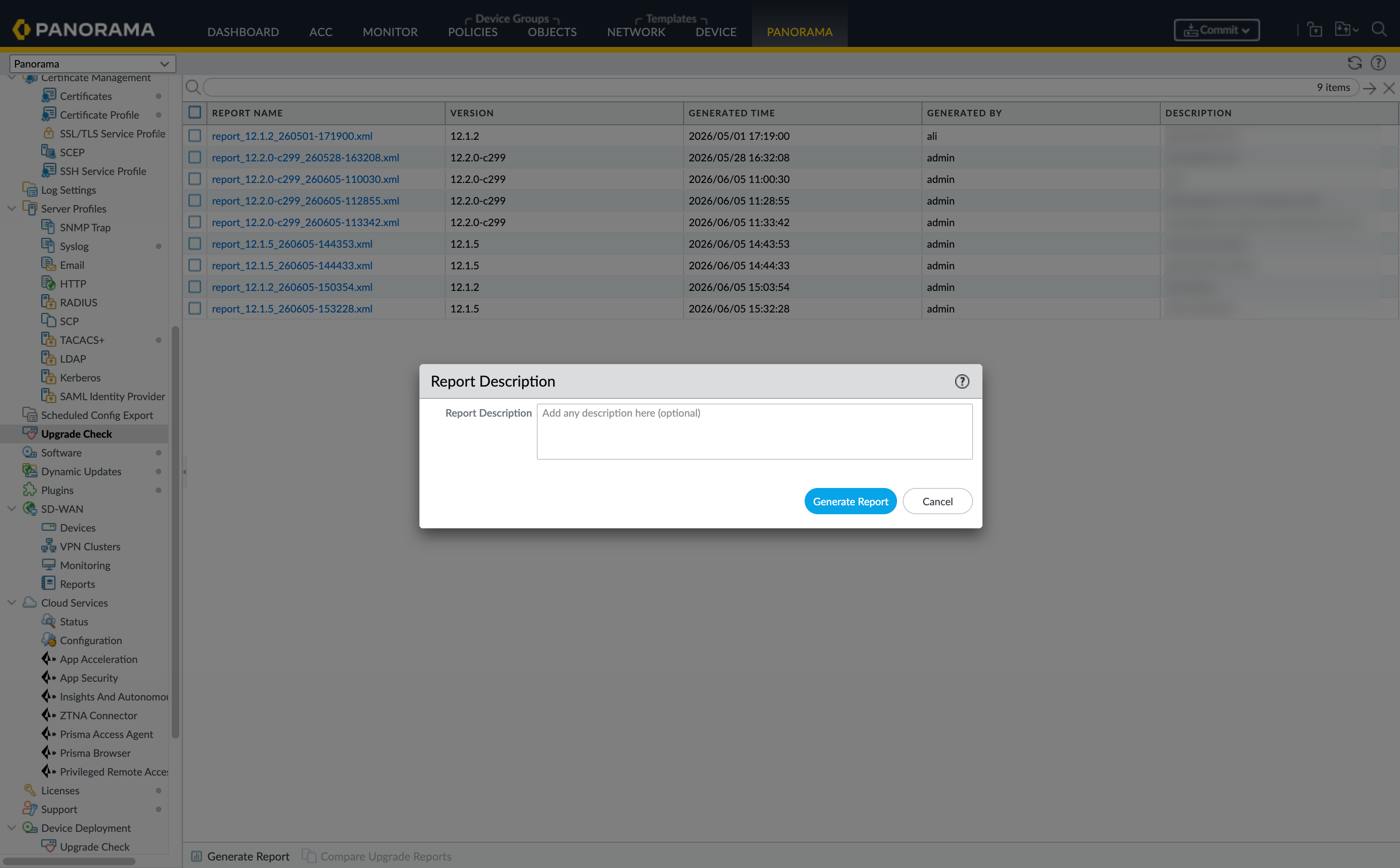
- Navigate to .
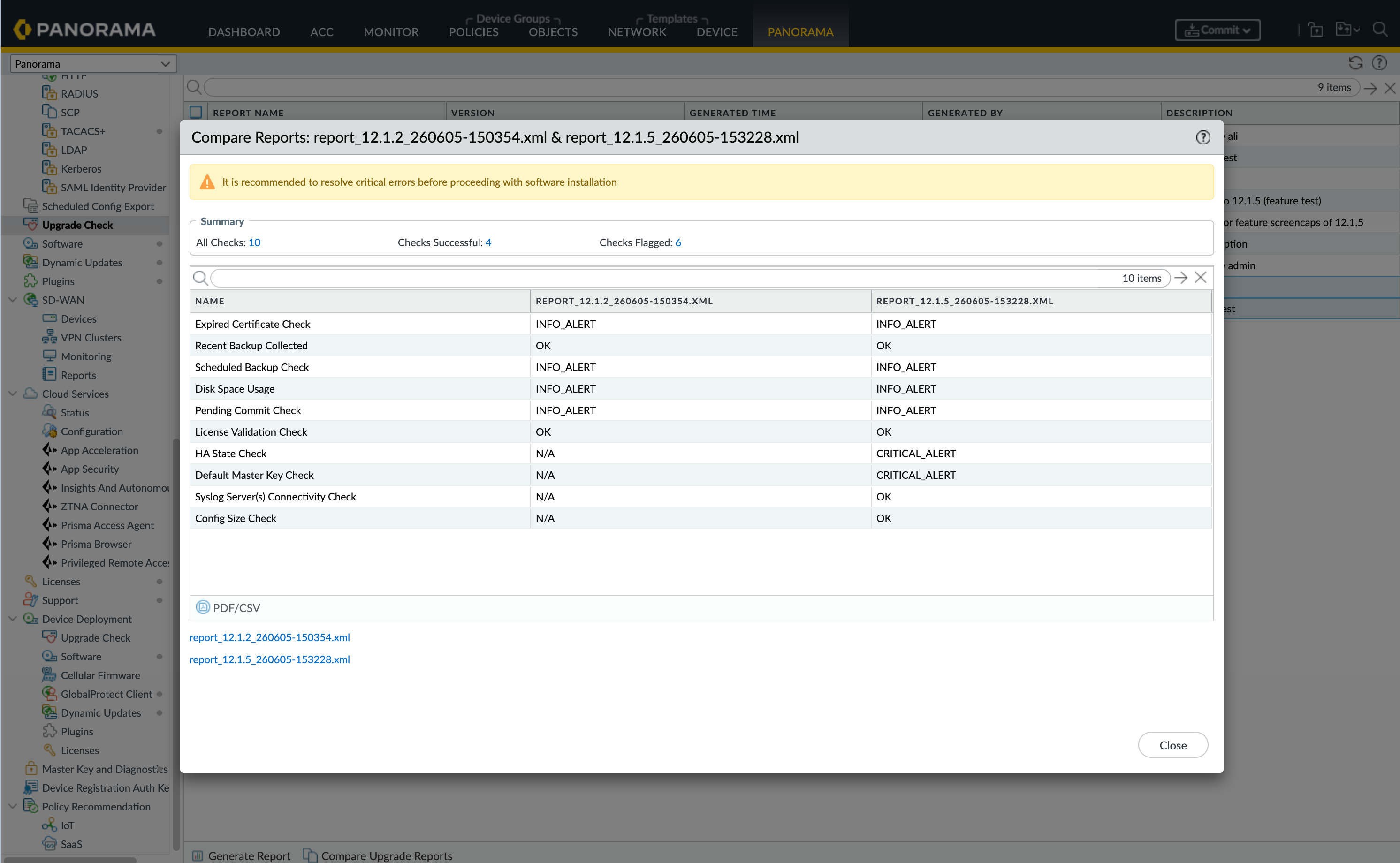
![]() Add a Report Description and click Generate ReportNote any remediation that been made or the reason for generating the report.(Optional) Select two reports and click Compare Reports.
Add a Report Description and click Generate ReportNote any remediation that been made or the reason for generating the report.(Optional) Select two reports and click Compare Reports.![]() (Optional) Download PDF/CSV to retain a copy of the report.
(Optional) Download PDF/CSV to retain a copy of the report.