Replace a PA-3500 Series Firewall System Drive
Table of Contents

Replace a PA-3500 Series Firewall System Drive
Learn how to replace a system drive SSD on the PA-3500 Series Firewall.
The PA-3500 Series firewalls uses a single solid-state drive (SSD) to store the
PAN-OS system files, system logs, and network traffic logs. The drive is embedded
into a module that slides in and out of the front panel of the firewall.
The replacement drives ship with a factory default PAN-OS image with the default
configuration. After you install the new drive, you will need to obtain a backup configuration that you saved
from the failed firewall to restore your configuration.
To avoid injury to yourself or damage to your Palo Alto Networks® hardware or the
data that resides on the hardware, read the Safety Warnings.
The following procedure describes how to replace a failed system drive.
- Confirm that a drive has failed by issuing the following command:
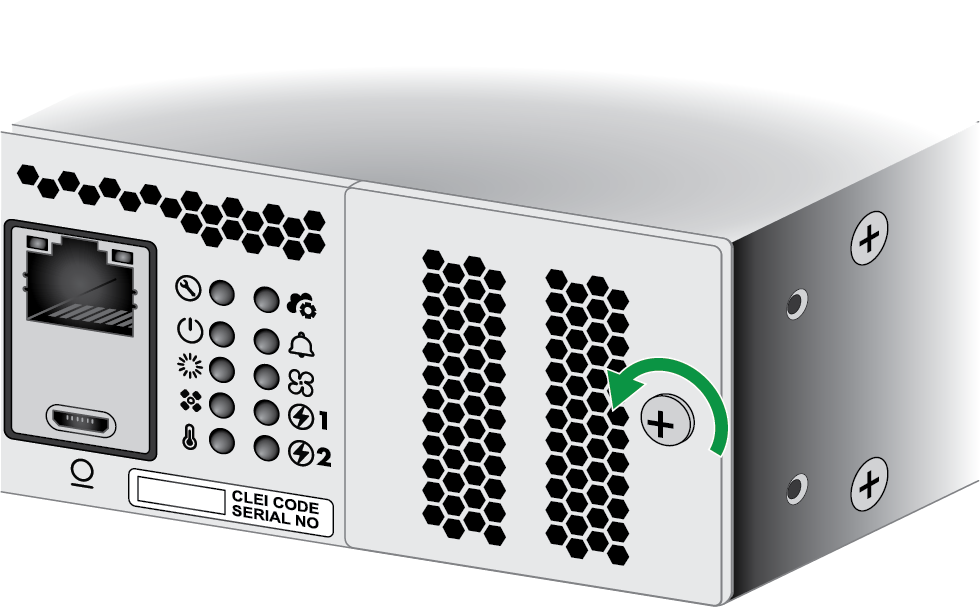
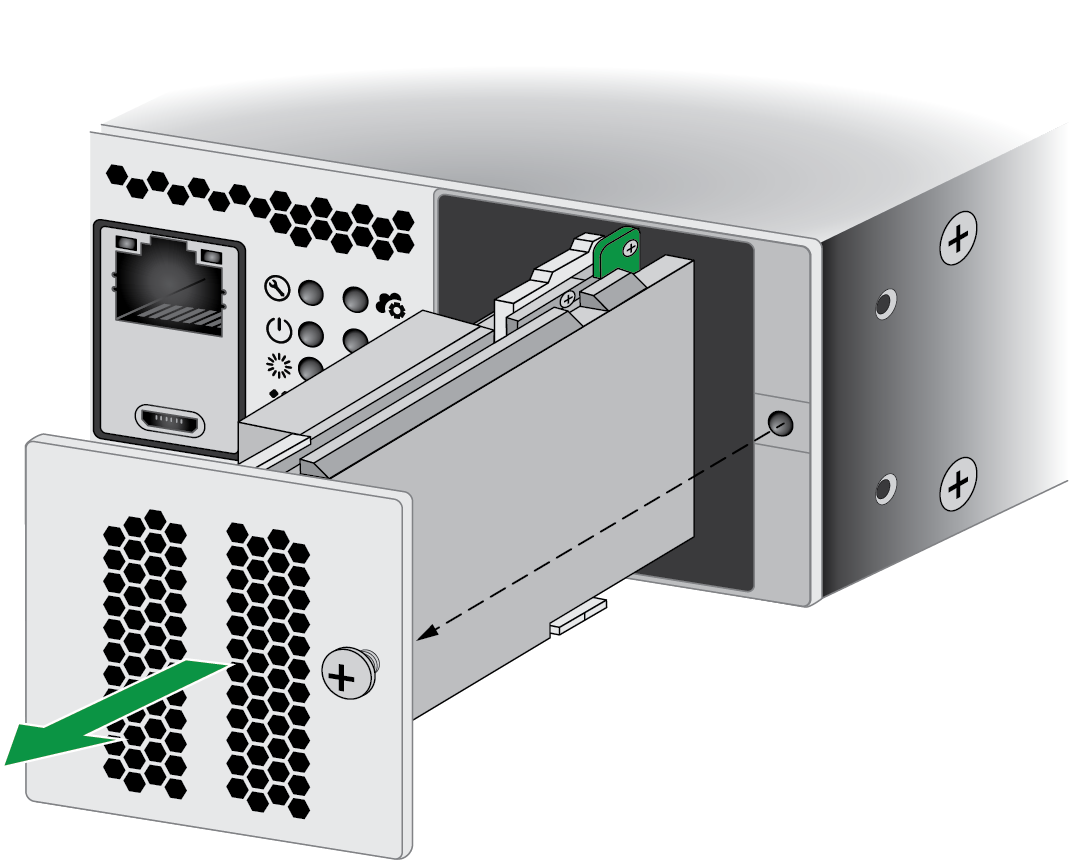
admin@PA-3540> show system disk detailsDisconnect power from the firewall, then remove the power cords.Unscrew the captive screw on the system drive cover on the front side of the firewall. See PA-3500 Series Firewall Components for help locating the system drive cover.![]() Pull the SSD module out of the firewall.
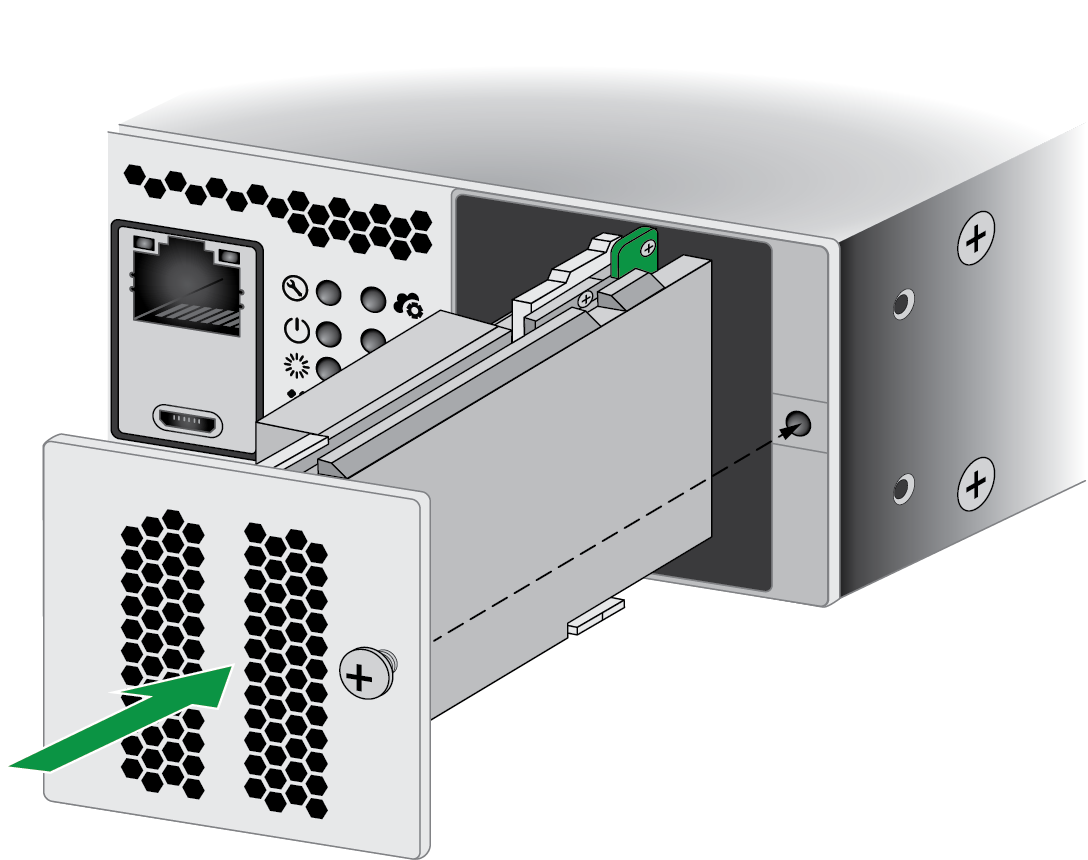
Pull the SSD module out of the firewall.![]() Remove the replacement drive from the packaging, determine the drive model, and place it on an antistatic surface.Slide the replacement SSD module onto the rails and gently push it into the firewall. Re-fasten the captive screw until the module is secure in the appliance.
Remove the replacement drive from the packaging, determine the drive model, and place it on an antistatic surface.Slide the replacement SSD module onto the rails and gently push it into the firewall. Re-fasten the captive screw until the module is secure in the appliance.![]() After powering on the firewall, verify that the system drives are functioning properly by running the following command:
After powering on the firewall, verify that the system drives are functioning properly by running the following command:admin@PA-3540> show system disk details