Deprovision a PayGo Tenant
Table of Contents

Deprovision a PayGo Tenant
Remove a PayGo tenant from your hierarchy to stop metering and billing.
| Where Can I Use This? | What Do I Need? |
|---|---|
|
|
When a tenant is no longer needed, you can deprovision the PayGo tenant to remove it from your hierarchy. Deprovisioning stops all metering for that tenant immediately — the final billing reflects prorated usage up to the deprovisioning date. Before deprovisioning, ensure you have completed any necessary data exports or configuration backups. Deprovisioning permanently removes the tenant and all associated configurations, policies, user data, and Cloud Identity Engine settings. This action cannot be undone.
To onboard a replacement tenant with a different package, see Activate PayGo Billing Model.
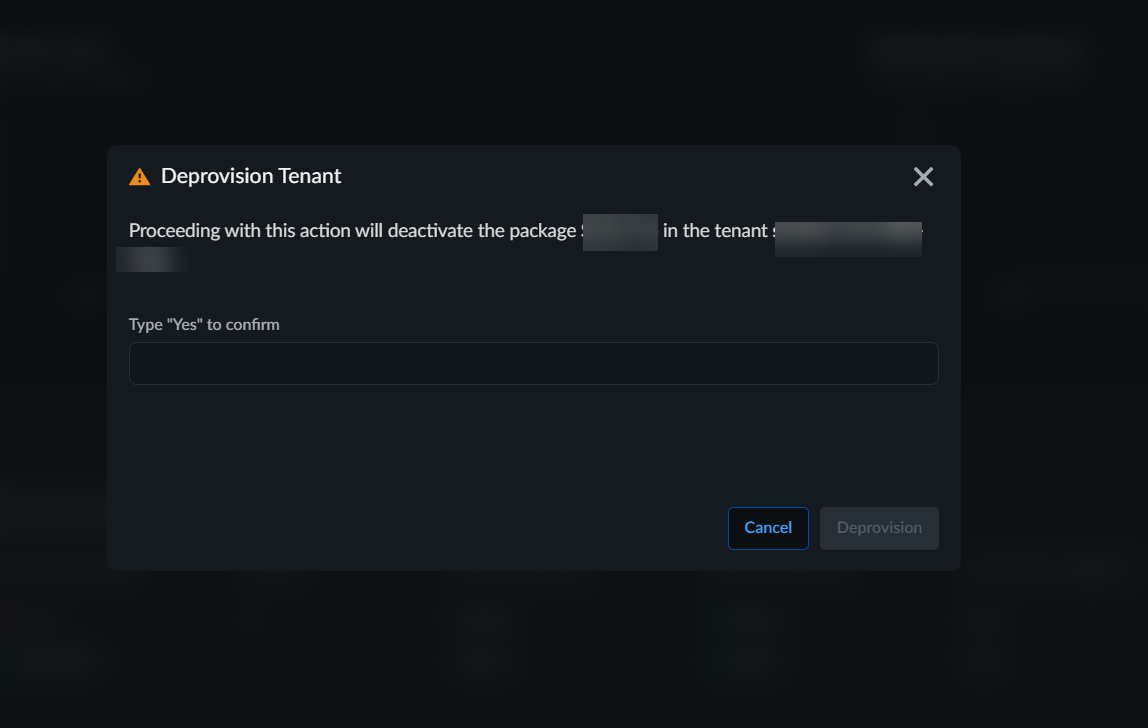
- Select .From the tenant list, select the tenant you want to remove.Click the Delete icon.A confirmation dialog displays the tenant name, active package, and current configuration that will be permanently removed.
![]() Click Deprovision to permanently remove the tenant.
Click Deprovision to permanently remove the tenant.