Prisma Browser
Table of Contents

Prisma Browser
The Prisma Browser operational view focuses on user and device activity, tenant onboarding, and identity provider configuration.
The Prisma Browser operational view focuses on user and device activity, tenant onboarding, and identity provider configuration.
Users and Devices
| Widget | Description |
|---|---|
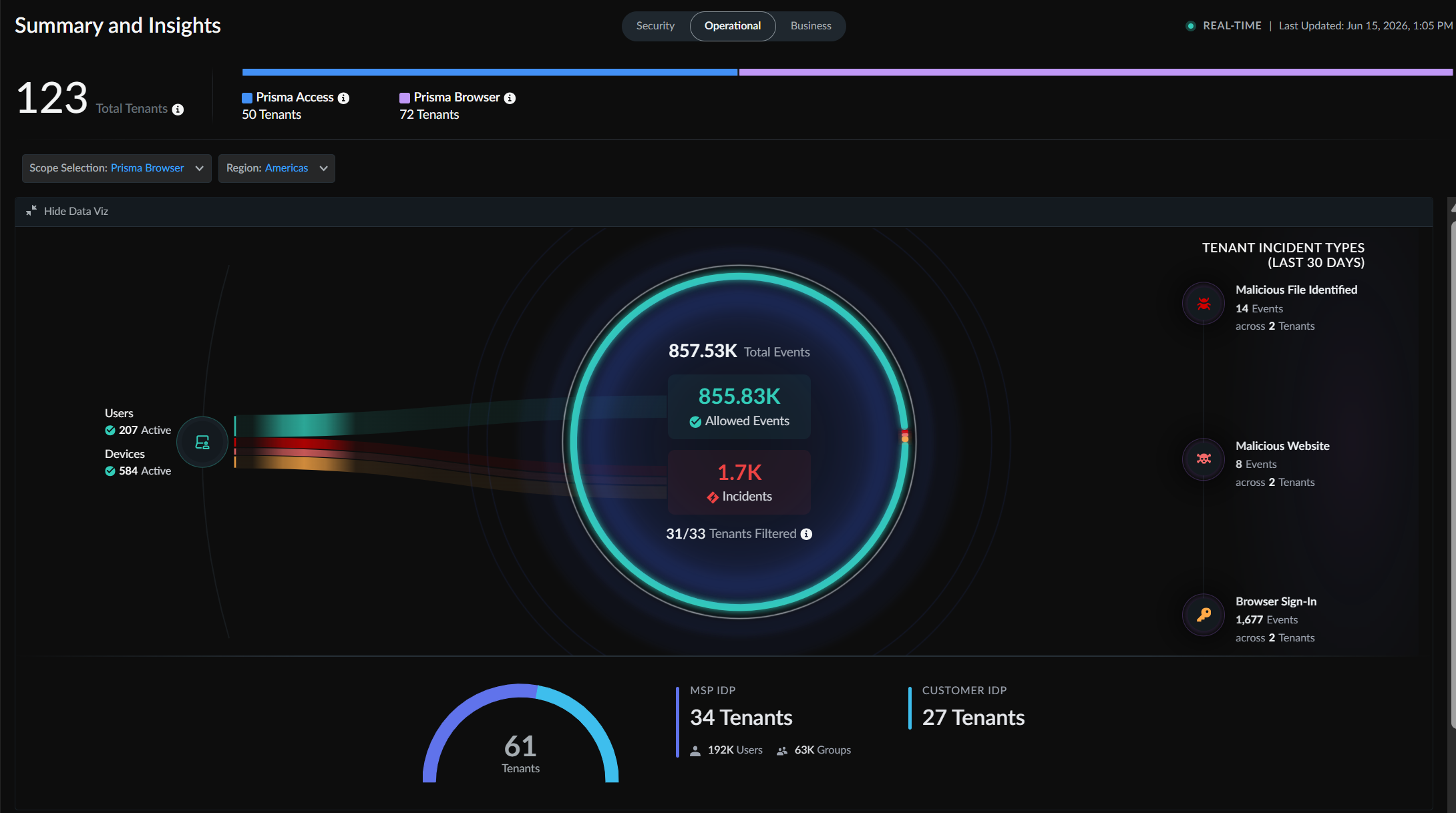
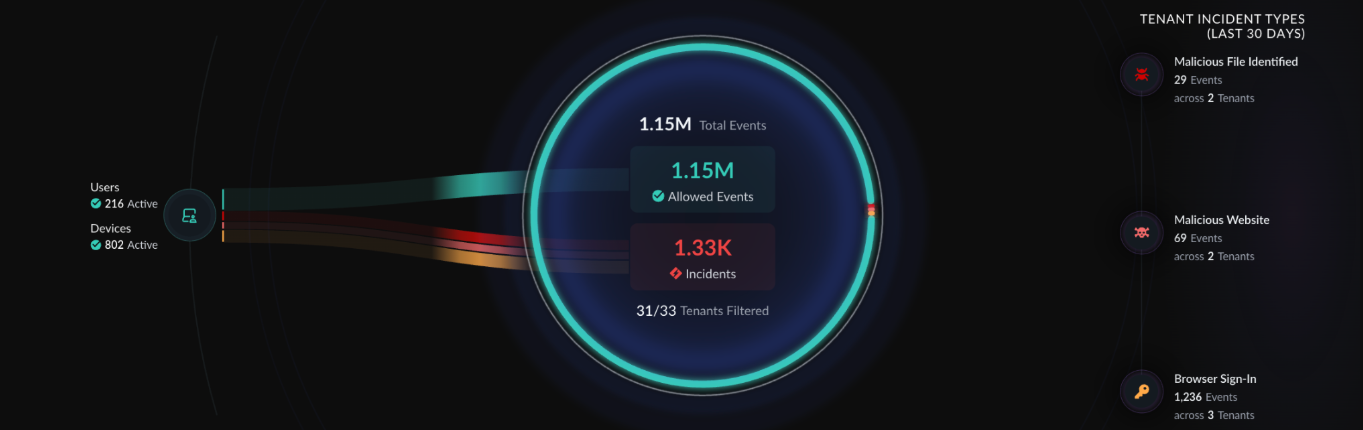
| Total Users | The number of users contributing to events across all filtered Prisma Browser tenants. |
| Total Devices | The number of devices contributing to events across all filtered Prisma Browser tenants. |
| Total Events | The aggregate event count generated by these users and devices. |
In the Prisma Browser model, all activity (connectivity, threats, DLP actions) is treated as an event. The users and devices counts provide context for the total event volume.
Reports
A consolidated per-tenant report is available that includes both security and operational metrics for Prisma Browser. You can access these reports from this section of the view.
Identity Provider View
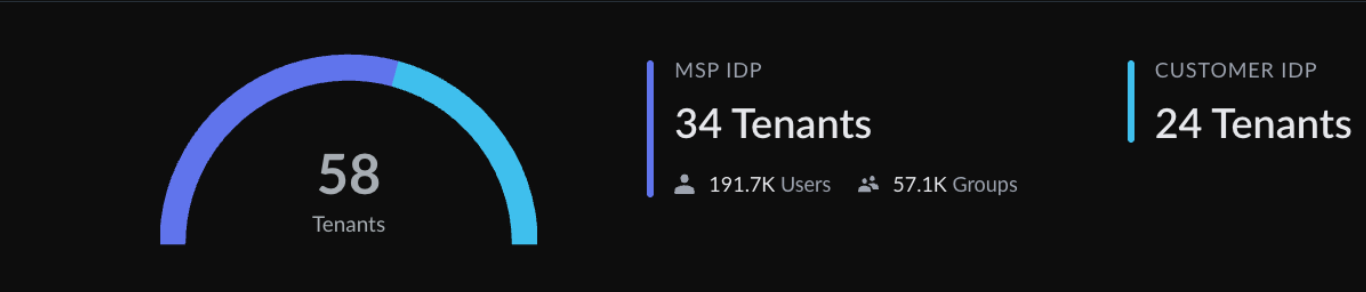
The view shows how identity is managed across your Prisma Browser tenants:
| Category | Description |
|---|---|
| MSP IDP | Tenants using the managed service provider's identity provider. |
| Customer IDP | Tenants using their own identity provider. |
Add Tenant
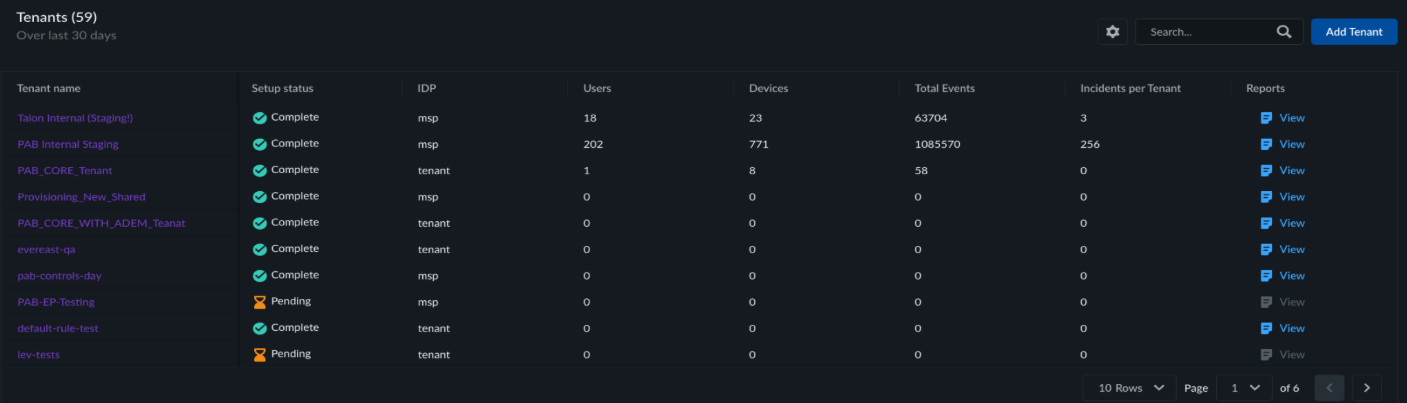
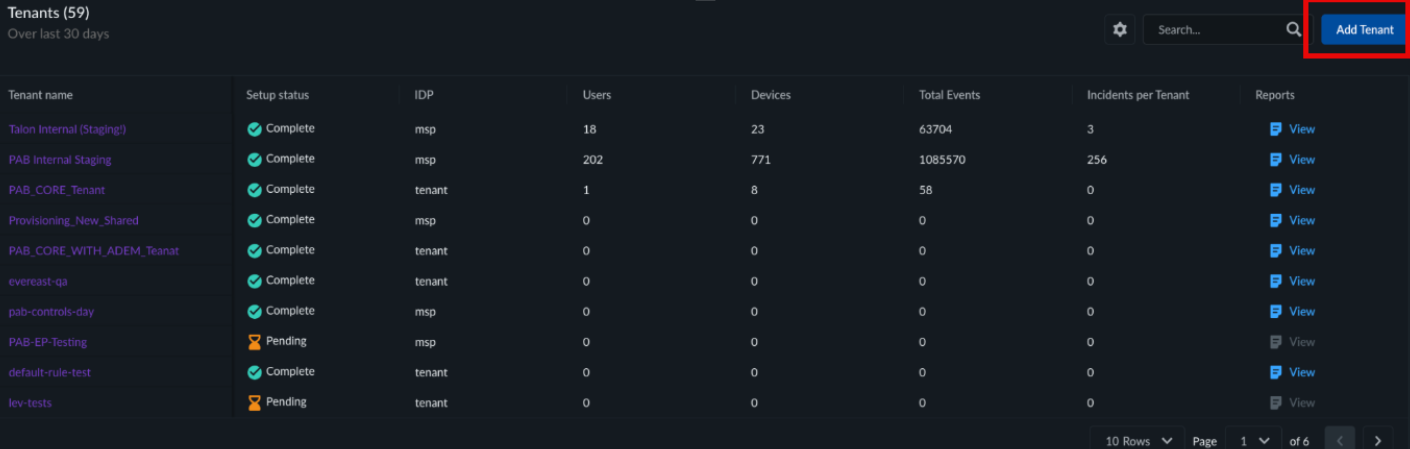
You can onboard new Prisma Browser tenants directly from the Operational view. Click Add Tenant to initiate the three-step onboarding workflow. Once a tenant is onboarded, it appears in the tenant table below and its metrics are included in the widgets.
Tenant Table
The tenant table lists all onboarded Prisma Browser tenants with columns for tenant name, setup status, IDP, users, devices, total events, incidents per tenant, and reports.