Summary and Insights
Table of Contents

Summary and Insights
The Summary and Insights page provides a consolidated view of security, operational, and business metrics across all tenants in your hierarchy through three domain-specific views.
| Where Can I Use This? | What Do I Need? |
|---|---|
|
|
The Summary and Insights page organizes data into three domain-specific views so you can quickly find the information most relevant to your current role or task. Each view displays aggregated metrics across your tenant hierarchy, with the ability to filter by region and product scope.
Views
The Summary and Insights page presents data through three tabs at the top of the page:
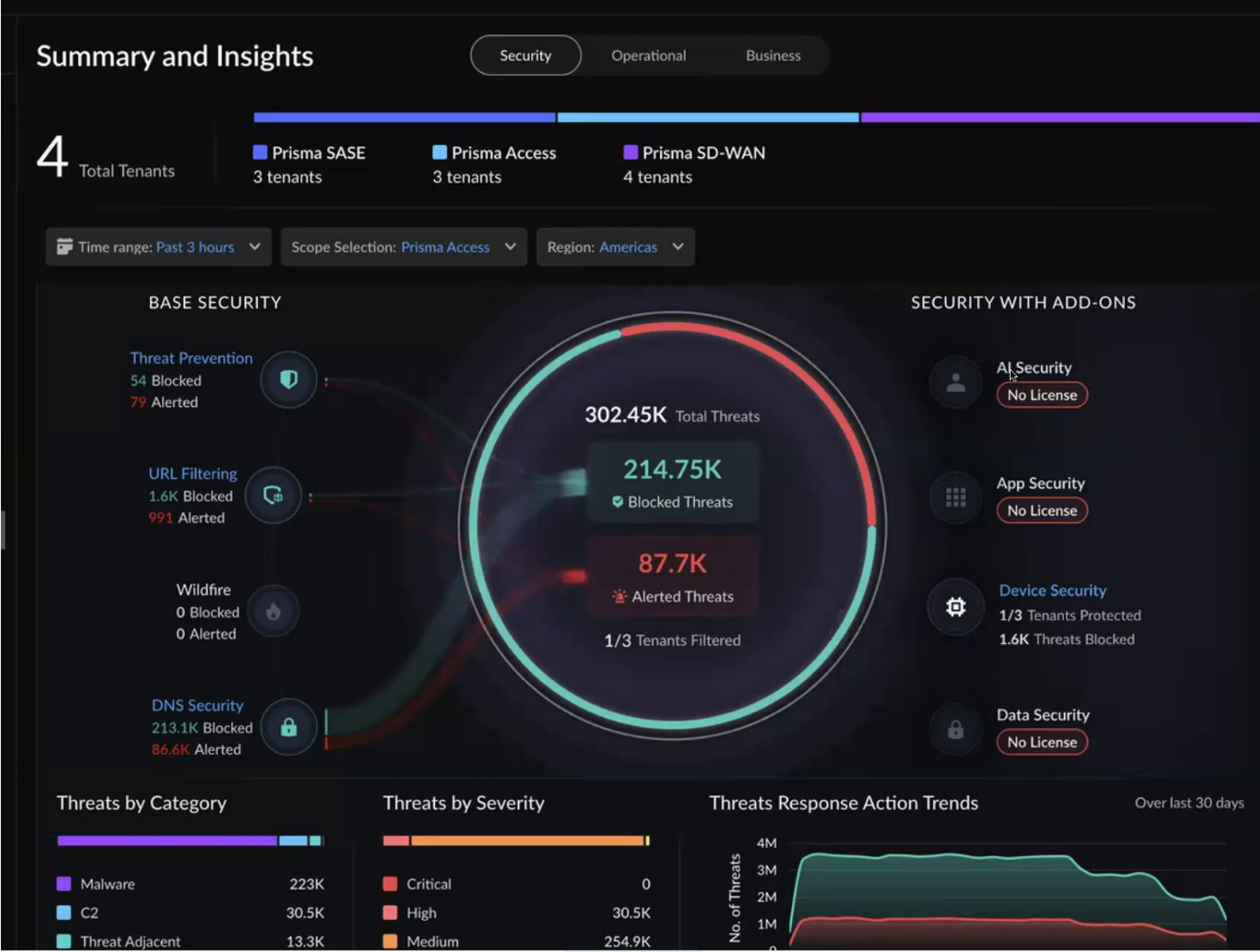
- Security — View threat data, security events, and the effectiveness of your security policies across tenants. Use this view when you need to assess how well your deployed security services are protecting traffic across product lines.
- Operational — View real-time infrastructure health, connectivity status, and active incidents across tenants. Use this view when you need to identify and resolve issues that affect traffic flow or service availability.
- Business — View an executive-level summary of service adoption, subscription utilization, subscription status, and usage trends. Use this view when you need to manage capacity planning, track renewals, or report on platform usage to stakeholders.
Tenant Summary Bar
At the top of the page, a summary bar displays the total number of tenants in your hierarchy along with per-product counts:
- Total Tenants — The total tenant count in the hierarchy, including the root tenant, tenants with active licenses, and tenants with inactive or no licenses.
- Prisma Access — The number of tenants with the Prisma Access activated.
- Prisma SD-WAN — The number of tenants with the Prisma SD-WAN activated.
- Prisma Browser — The number of tenants with the Prisma Browser activated.
- A single tenant can have two or more products activated. If a tenant has both Prisma Access and Prisma SD-WAN enabled, it is counted under both product totals. The Total Tenants count is not the sum of the individual product counts.
- Ensure that Prisma SD-WAN is enabled on the root tenant and that a valid base license is assigned. This is a prerequisite for the Summary and Insights dashboard to collect and display accurate Prisma SD-WAN data.
These counts update based on the selected region filter to show only the tenants that fall within the filtered scope.

Switch Between Products
The Security and Operational views include a scope selection control that allows you to switch the view between different product lines:
- Prisma Access
- Prisma Browser
- Prisma SD-WAN
The Business view does not include a product scope selection. Instead, it displays all products side by side to provide a holistic executive-level view. Only the Region filter is available on the Business view.
The scope selection only displays Products that are activated in your hierarchy. The
scope selection works in combination with the Region filter (such as
Americas, EMEA, or APAC) to further narrow the set of tenants whose data
appears.
The Security view includes a time range filter so you can view threat data over a specific period. To view the historical data, select Incidents.

Tenant Table
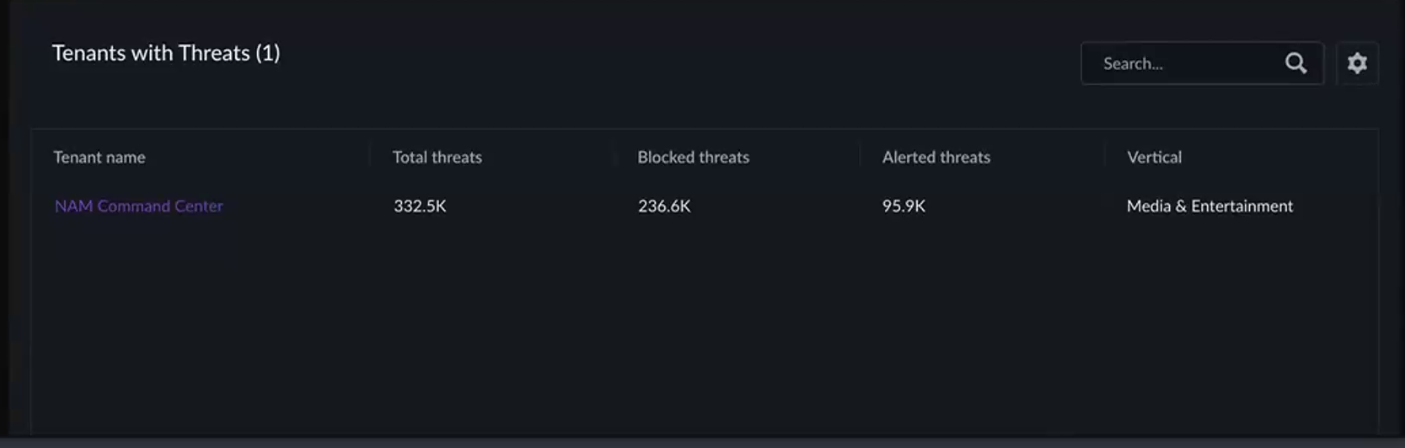
Each view includes a tenant table at the bottom of the page. The tenant table provides a per-tenant breakdown of the aggregated metrics displayed in the widgets above.
Clicking a tenant in the table opens a recommendation panel that provides:
- Support-related information for that tenant
- A redirection link to the single-tenant view in Strata Cloud Manager, where you can take remediation actions
The top widgets remain stationary and continue to show the aggregated view regardless of which tenant you select in the table. The aggregated data does not change when you interact with the tenant table.