
Welcome to the Prisma Access docs homepage! Prisma Access helps you deliver consistent security to your remote networks and mobile users. All your users—at headquarters, office branches, and on the road—connect to Prisma Access to safely use the internet and cloud and data center applications.
Looking for the feaures for your Prisma Access release? As of May 21, 2026, the features have moved to the navigation pane of this page under New Features, grouped by release (scroll down to find them). You can also find them, and features for other Palo Alto Networks products, in the Platform Explorer.
What's New
| March 5, 2026 | Prisma Access 6.1.1 adds NGFW Connector, leveraging your existing Palo Alto Networks NGFWs as a ZTNA Connector, and other exciting features. See the New Features for Prisma Access 6.1.1 for more information. |
| November 13, 2025 | Prisma Access 6.1 brings you SASE Private Location, enabling you to deploy Prisma Access services within your own infrastructure. For more information about this and other features introduced with Prisma Access 6.1, see the Release Notes. |
| May 12, 2025 | Prisma Access 6.0 adds enhanced functionality, including BGP filtering and route metric support, DNS resolution for Explicit Proxy deployments, and site-based licensing and deployment for remote networks. See the Prisma Access 6.0 release notes for more information. |
| February 25, 2025 | Prisma Access 5.2.2 offers you IPv6 support when accessing public apps for IP Optimization and Prisma SASE 5G for enterprise 5G deployments. For details, see the Release Notes. |
| October 24, 2024 | Prisma Access 5.2.1 provides you with DNS proxy, Colo-Connect, and ZTNA Connector support for Explicit Proxy. See the Release Notes for more information about this and other features. |
| September 4, 2024 | Prisma Access 5.2 adds Explicit Proxy support for Prisma Access China and IP Optimization. The Release Notes provides you with more details about this and the other new features in this release. |
Manage Prisma Access using Strata Cloud Manager
There are two ways to manage Prisma Access; new deployments use the Strata Cloud Manager platform.
Review the docs to validate feature support based on the management interface you're using; each topic covers feature parity and workflows across Panorama and cloud management with Strata Cloud Manager.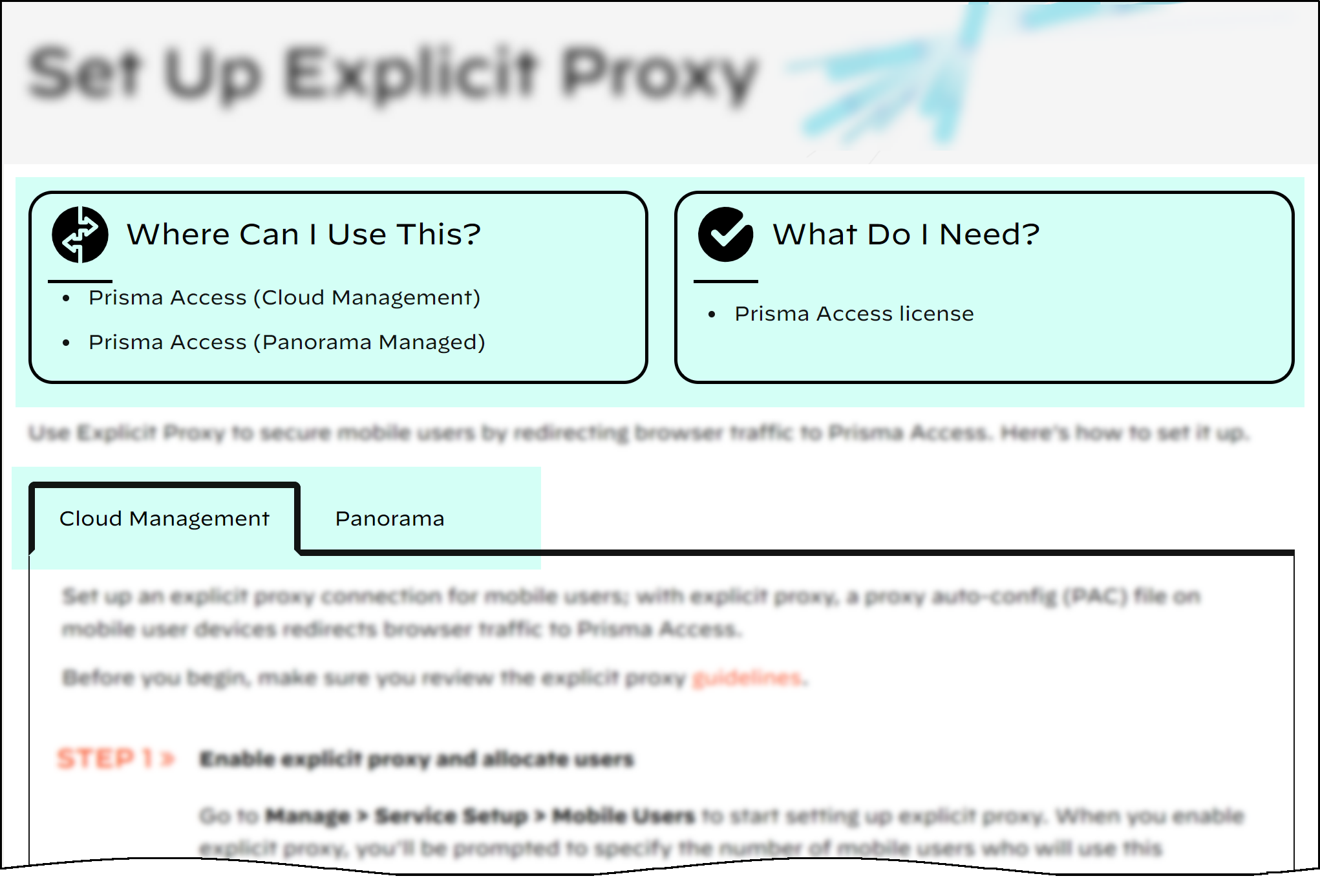
Using Strata Cloud Manager for Prisma Access
If you're using Strata Cloud Manager to manage Prisma Access, here's some information you can use to get started:
- Strata Cloud Manager support for Prisma Access Cloud Management and Panorama-Managed Prisma Access
- Where are my Prisma Access features in Strata Cloud Manager?
- Prisma Access monitoring and visibility features in Strata Cloud Manager (for both Panorama and cloud-managed deployments)
Introduction to Prisma Access
Get Started with Prisma Access License Activation
Translated Documents
-
日本語 (Japanese)
-
中文 (Chinese Simplified)
-
繁體中文 (Chinese Traditional)
-
Español (Spanish)
-
Français (French)
-
한국어 (Korean)
-
Deutsch (German)